![Crystal Dew World [en]](http://crystalmark.info/en/wp-content/uploads/sites/3/digipress/magjam/title/TitleLogo20250202-Cinzel.png)
About CrystalDiskInfo
A HDD/SSD utility software which supports a part of USB, Intel RAID and NVMe.
Related articles
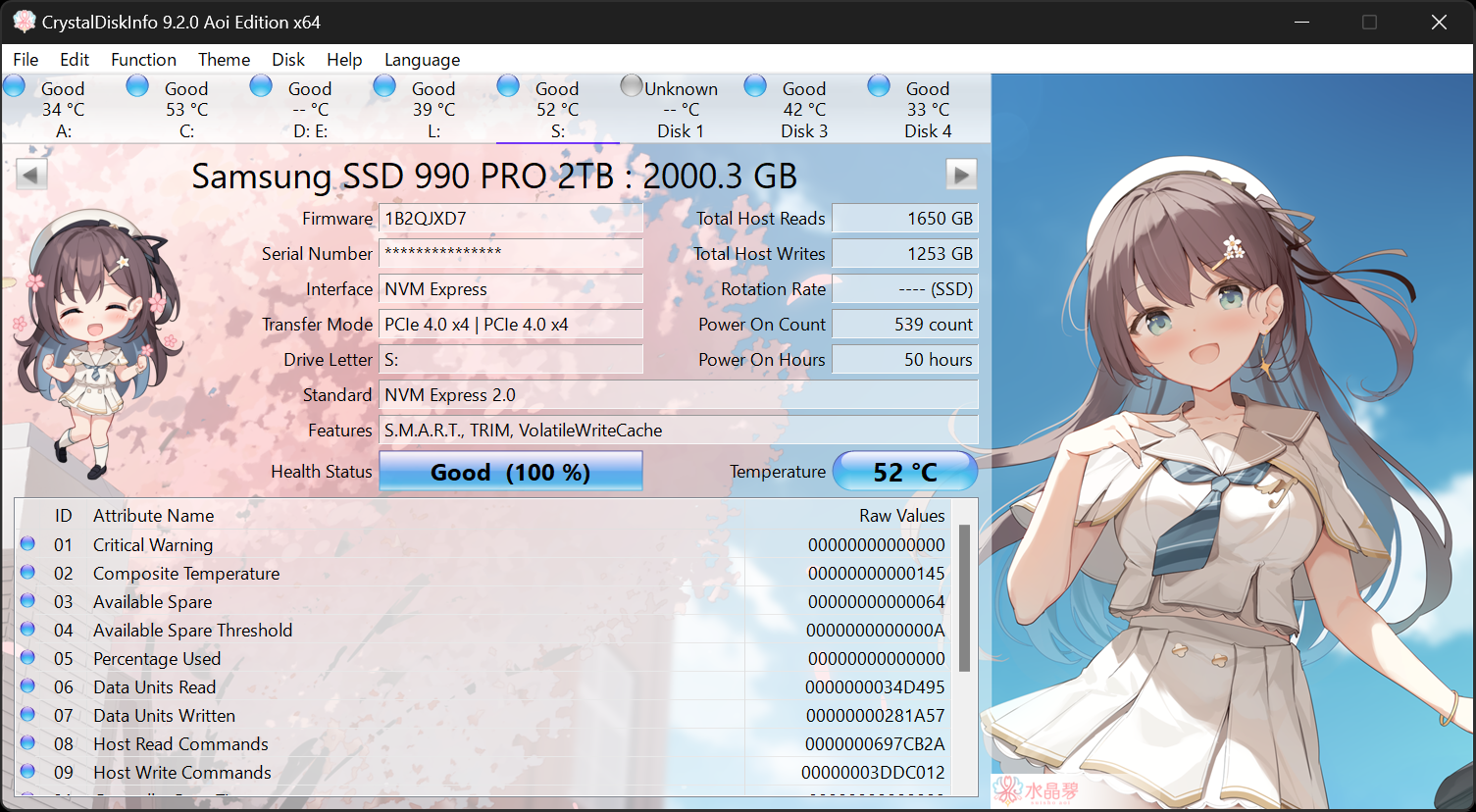
Aoi Edition
Standard Edition
Shizuku Edition
Kurei Kei Edition
System Requirements
| OS | Windows XP/Vista/7/8/8.1/10/11 Windows Server 2003/2008/2012/2016/2019/2022/2025 |
|---|---|
| Architecture | x86/x64/ARM64 |
| IE | 8.0~ |
| .NET | 4.8~ (2.0~) |
- .NET Framework 4.8 or later is required to use the latest email notification features.
- NVMe support required Windows 10/Server 2016 or later.
- Installer does not support Windows XP/Server 2003(NT5.x).
- Not support Windows 95/98/Me/NT4/2000.
- Not support Server Core.